Question: Is it possible to add custom fields to tasks in the schedule view?
Answer: You can add custom fields to tasks by creating schedule custom properties. This allows you to add additional fields to the task dialog in the schedule view.
Steps to Add a Custom Field:
Access the Custom Properties Page
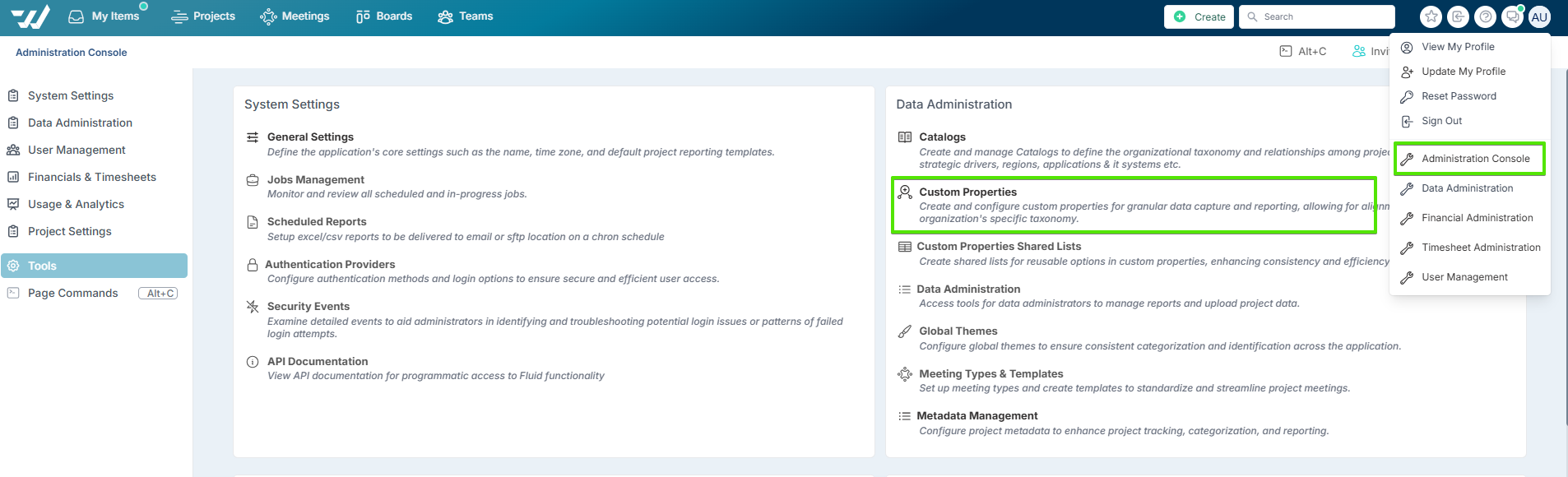
Navigate to the Administration Console page and select the Custom Properties link from the Data Administration section.
Select the Schedule Entity
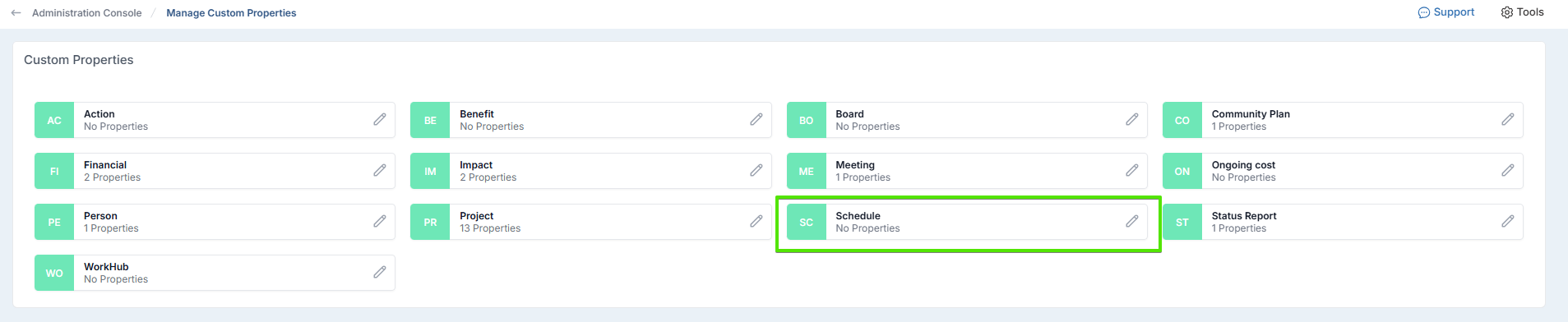
On the custom properties page, select Schedule as the entity you want to add the custom property to.
Create a New Custom Property
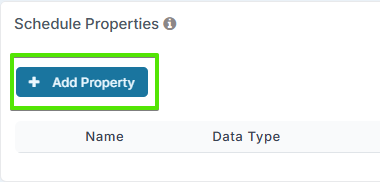
Click on Add Property to set a new property to schedule tasks.
For a detailed explanation of custom properties, refer to this support article: Setting Up Custom Properties