Q: Why am I not seeing all of my resources on my dashboard?
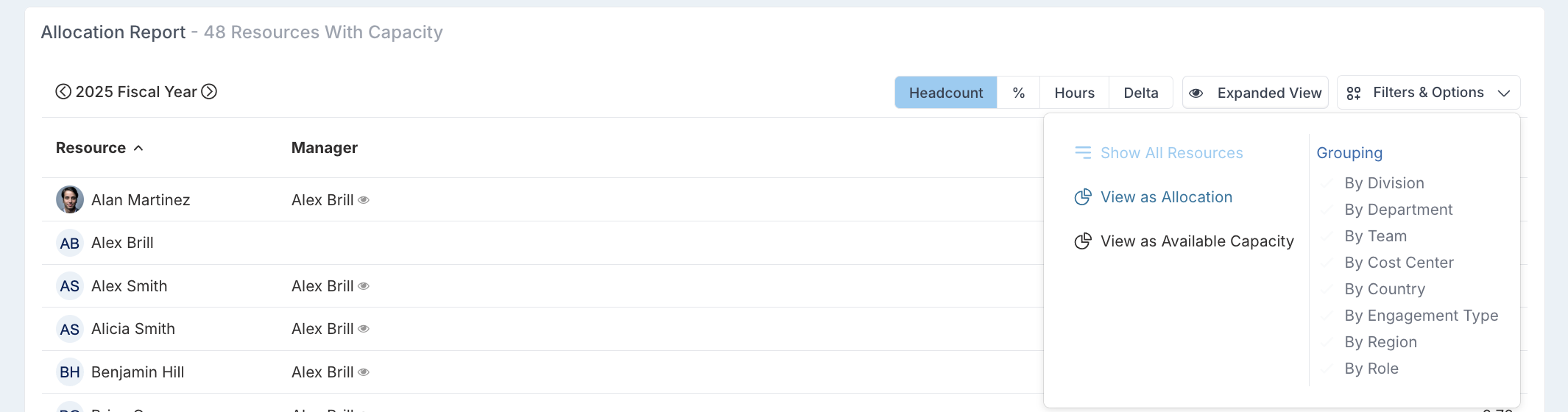
A: By default the dashboard lists only resources with capacity and hides those who do not have any.
You can click 'Filters & Options' and click 'Show All Resources'.
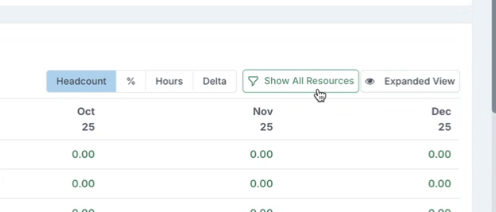
Alternatively, if you do not have this 'Filter & Options', you can turn on the 'Show All Resources' toggle to show all resources, not just those with capacity.