User roles: ✔ Project Administrator
In this article you will learn what separates guidance that produces sharp, useful AI feedback from guidance that produces noise, the four ways guidance fails silently, and how to use the built-in review tool to check your own wording before you rely on it.
This is the highest-leverage hour you will spend on FluidAI. The guidance checks do not have an opinion of their own about what a good risk or a good status report looks like — they apply yours. Everything downstream is a consequence of what you write here.
The One Hard Constraint
Before anything about style: a check can only judge what it is given. Guidance that asks for something outside that set cannot be enforced, and it does not fail loudly. It produces confident-sounding judgements about information the check never saw.
The impact guidance check is given the project name and the entry’s type and sub-type, title, strapline, description, status, RAG, probability, impact, risk rating, mitigating actions, treatment type, treatment description and owner.
The status report guidance check is given the project name, overall RAG, strapline, achievements, next steps, executive summary and comments.
That is the whole world each check can see. So guidance asking for a path-to-green date, a linked document, a custom property value, or whether the description has been updated recently is asking for something invisible. This is by a distance the most common real finding when administrators review their own guidance.
The test is simple: read your guidance and ask whether every requirement in it maps to a field on the list above. If one does not, either remove it or move it into the public guidance, where it coaches a human who can see the rest of the record.
Four Ways Guidance Fails Silently
None of these throw an error. Each simply makes the check less useful than you think it is.
It asks for what the check cannot see. Covered above, and worth stating twice because it is the most frequent.
Public and private guidance contradict each other. The banner tells the author one thing, the check measures another. People notice, and they stop trusting both. This usually happens gradually — someone tightens the private guidance and forgets the banner still says the old thing.
It states a goal instead of a standard. “Entries should be useful and clearly written” is a sentiment, not a criterion. It is unarguable, and it gives the check nothing to test, so the feedback comes back as generic as the guidance was.
It is so strict that reasonable entries always fail. A check that flags everything is a check people learn to click past. Worse, it teaches your team that the warning means nothing, which is expensive to undo later when a warning genuinely matters.
What Good Guidance Contains
Strong private guidance answers four questions. If yours answers all four, it will produce specific, actionable feedback; if it answers none, it will produce platitudes.
What must the entry contain? Name the parts. “A cause, an event and an impact” is checkable. “Enough detail” is not.
How would a reviewer know it is there? Give the shape, the structure or the phrasing you expect. If you have a house format, write it out literally. The check can compare an entry against a stated structure; it cannot infer one you have in mind.
What should be rejected? This is the part most people leave out, and it is the part that sharpens a check most. Naming the failure you actually see — risks written as issues, mitigations that are aspirations rather than actions, a strapline that contradicts the RAG — turns vague judgement into a specific test.
What should happen when it falls short? Ask for a suggestion, not just a verdict. “Where the description lacks a clear cause and effect chain, suggest how to add one” produces feedback the author can act on immediately.
Two habits of style are worth adopting as well. Write instructions, not descriptions — “Confirm that…”, “Reject entries that…”, “Where X is missing, suggest…” reads as a brief to a reviewer, which is exactly what it is. And use your own vocabulary: if your organisation says ‘work package’ or ‘path to green’, write those words. The check has your configuration, so it will use your language back.
A Worked Example
Here is guidance for Risk as most organisations first write it:
Risks should be clearly written, kept up to date, and have appropriate mitigations and an owner. Make sure the risk register is high quality.
Every clause is agreeable and none of it is testable. “Clearly written” and “high quality” state goals. “Kept up to date” asks about timeliness, which the check has no way to verify. The result is feedback that sounds like the guidance: general, polite and unhelpful.
The same intent, written as a standard:
Confirm the description follows the structure “If [cause] happens, [event] may occur, leading to [impact]”. Reject entries that describe something which has already happened — those are issues, not risks — and say so. Confirm at least one mitigating action is present and that it names a specific activity rather than an intention such as “monitor closely”. Confirm impact and probability are both set, and that an owner is assigned. Where the cause and effect chain is missing, suggest a rewritten first sentence using the entry’s own content.
What changed: every requirement maps to a field the check receives, the failure cases are named explicitly, and the last sentence asks for a suggestion rather than a verdict. Notice it is longer. Private guidance is never shown to users, so length is not a problem — write as much as you need, and be as specific as you would be when briefing a new reviewer on their first day.
Public Guidance Is a Different Job
Everything above is about private guidance — the brief the check reads. Public guidance is shown to the author in a banner, and it should be written the opposite way: short, plain and memorable.
Nobody reads a nine-line banner. Two or three sentences covering what the entry must contain and the mistake people usually make will be read; a full standard will not. The public version of the risk guidance above might be no more than:
Describe the cause, the event and the impact in one sentence. If it has already happened, it is an issue, not a risk. Always set impact, probability, an owner and at least one specific mitigating action.
Keep the two aligned in substance even though they differ in length. When they drift apart, the banner is telling the author one thing while the check measures another — failure mode two above, and the one that damages trust fastest.
Other Places You Write Guidance
The impact and status report checks are where guidance matters most, but two other FluidAI features also run on guidance an administrator writes. The same principles apply.
Applicability Guidance on a process board. The board’s AI Applicability Check uses it to judge whether a new request belongs on that board. Say what the board is for and, just as importantly, where everything else should go — guidance that names the alternative board turns a rejection into a redirection. See FluidAI Checks on Process Boards.
AI Summary Guidance on a governance model. Per dimension, it replaces Fluid’s built-in view of what the FluidAI Project Overview should look for, for every project using that model. Write it as you would private guidance: name what to look for and what to call out.
Check Your Own Guidance
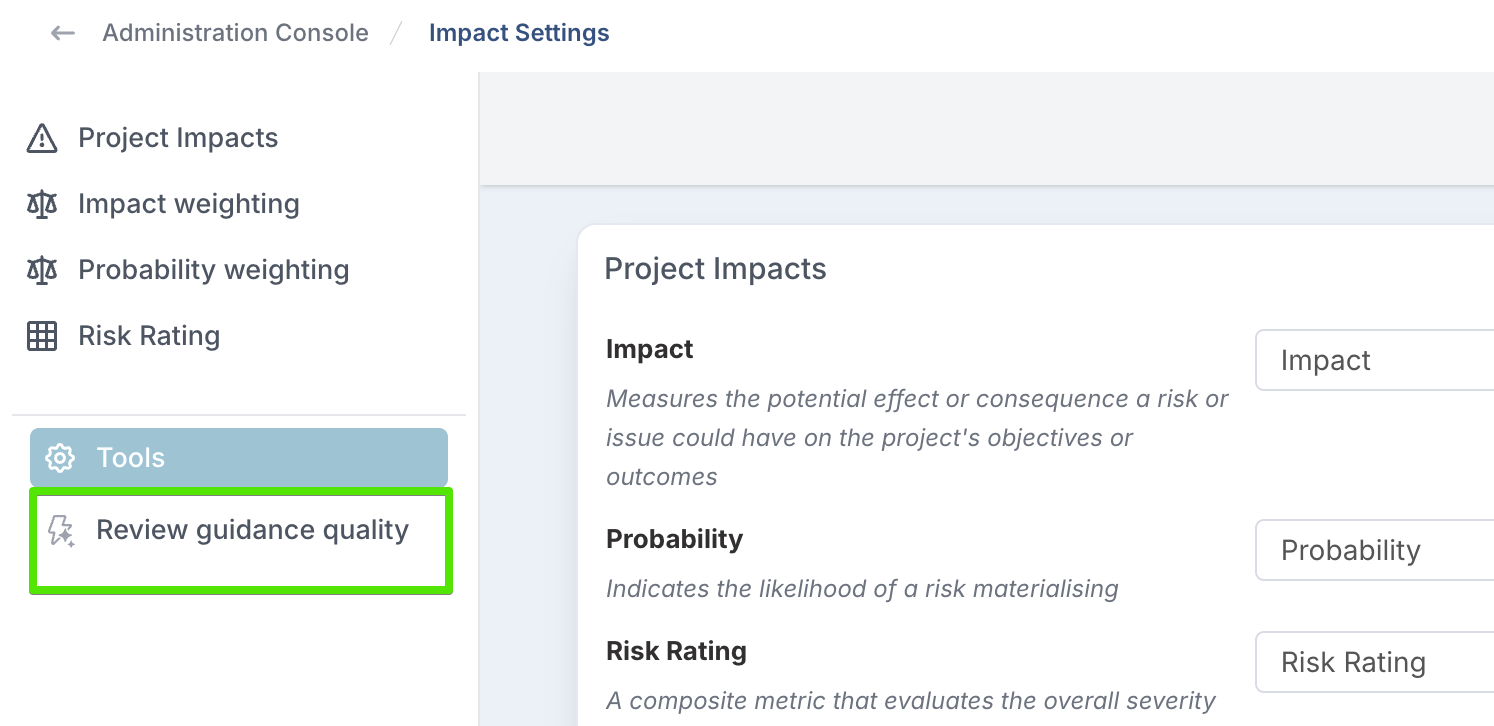
From the Tools section of the side navigation on either setup page, Review guidance quality runs an AI review of the guidance you have written. The Tools section only appears once the impact or status report guidance check has been switched on in FluidAI Features.
On Impact Settings it reviews your impact types.
On Status Report Settings it reviews your status report guidance.
Save your edits before running it. The review reads the guidance as stored, not what is currently typed on screen.
Each scope comes back with a rating of Strong, Adequate or Weak; a summary explaining what about your wording holds it back, quoting the phrase at fault; up to four concrete suggestions; and a complete suggested rewrite you can copy straight into the field.
The rewrite is never applied for you. Replacing an administrator’s standard is an administrator’s decision, so the box is there to be read, edited and pasted — not accepted blindly.
Impact types that are turned off, or that have no private guidance, are skipped rather than reported. If nothing has private guidance yet, the review says so instead of running. An unconfigured type is a deliberate choice not to check it, and listing nine of those would bury the one scope that genuinely needs work.
Read the commentary, not the badge. The rating is indicative. Run the same guidance twice and it may come back Adequate once and Strong the next time — that variation is inherent, and it is why the rating is not used to gate anything anywhere in the product. The written summary and the suggestions are consistent and are where the value is. If you find yourself re-running to chase a Strong badge, you have started optimising the wrong thing.
Keeping Guidance Healthy
Guidance is not a one-off task. It is a standard, and standards drift.
Start with one type. Usually Risk. Get it right on real entries before writing guidance for eight other impact types you have not tested.
Read the first fortnight of results. You are calibrating your own wording, not the AI. If the feedback is generic, the guidance was generic.
Watch the thumbs down. Every guidance check result — on an impact, a status report or the guidance review itself — can be rated by the person who received it, and the ratings are collected on the FluidAI Feedback page in the Administration Console. A run of thumbs-down on one impact type is the clearest signal you will get that your guidance is too strict or does not fit the work that team does.
Watch the overrides, but read them carefully. An override records that the author disagreed. It does not record who was right.
Re-review after a change. Tightening private guidance is exactly when public guidance quietly falls out of step. Run Review guidance quality again afterwards — it flags contradictions between the two without being asked.