
How do I see all of my timesheets?
Question: How do I see all of my timesheets?
Answer: Open the My Items menu and select Timesheets to view all of your timesheets in one place.
In more detail, open the My Items menu in the main navigation and select Timesheets.
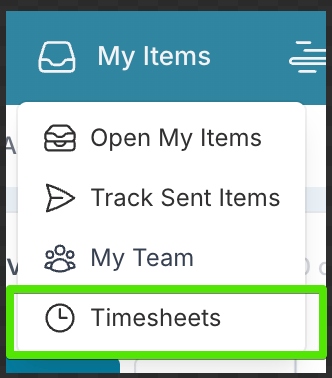
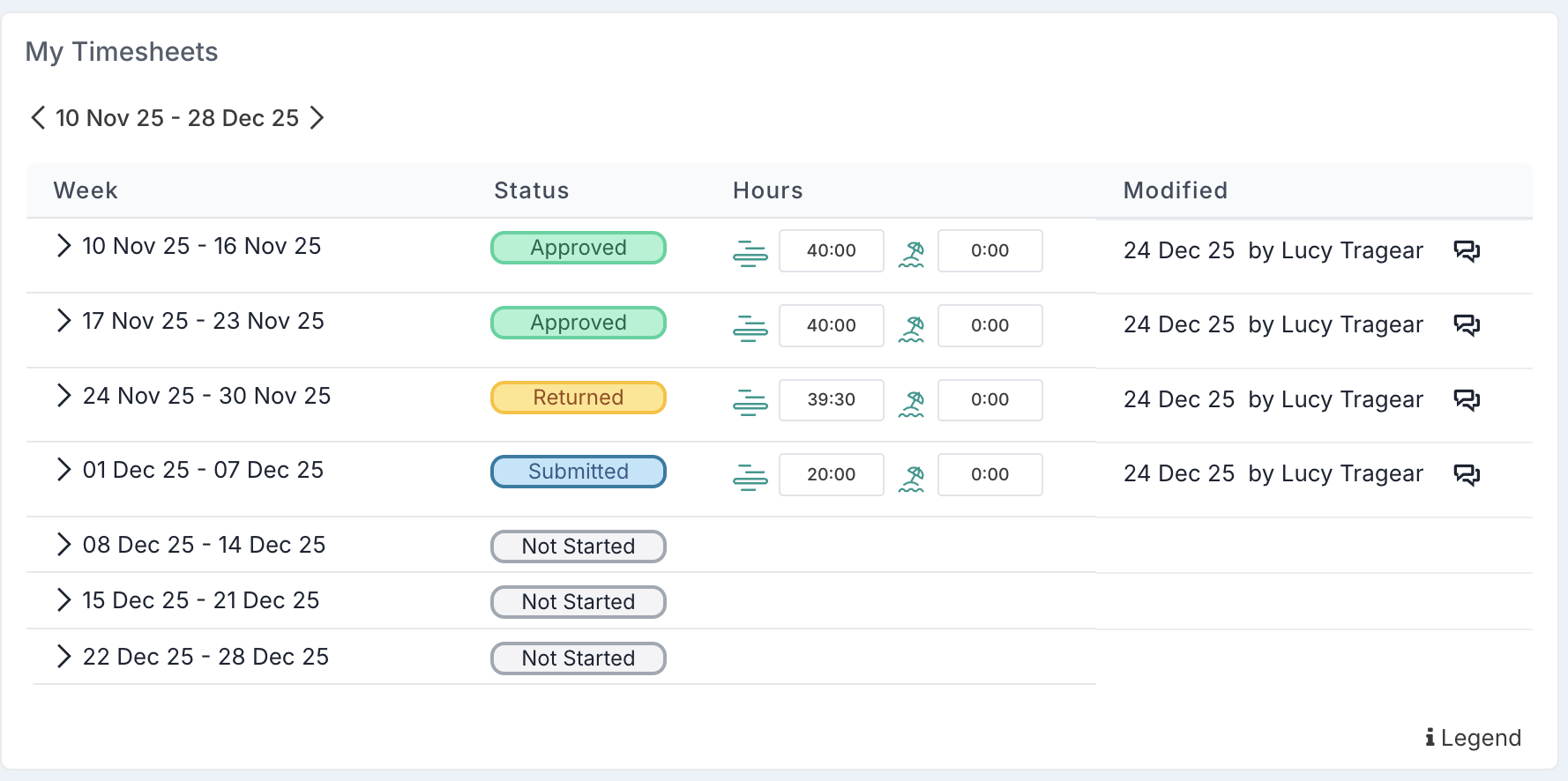
This opens the My Timesheets page. On this page, the My Timesheets component allows you to move between weeks to review your past, current, and upcoming timesheets. You can also see the status of each timesheet (for example, submitted or approved). Selecting a timesheet opens it so you can review or submit it.
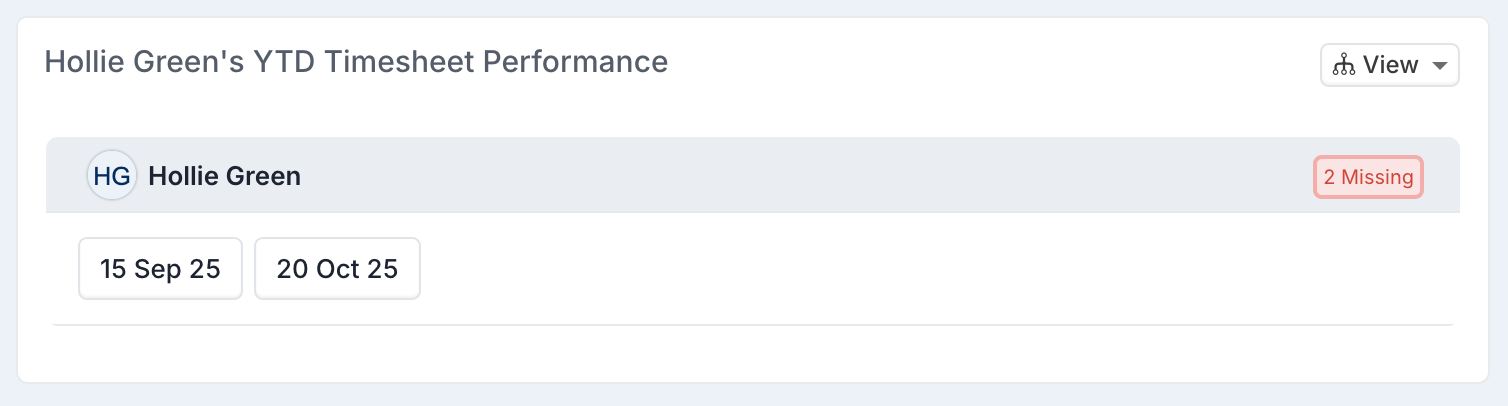
The Timesheet Performance component highlights any missing timesheets. These are weeks where a timesheet has not yet been submitted, helping you quickly identify anything outstanding.
Please note that you can also access the same timesheet information from your profile page, which is available from the menu under your avatar.