
Make Catalogs Available for Use
Edited
Creating a Catalog and its values is the first step. To actually use those values in Fluid, you need to expose the catalog through custom properties. This is how catalogs become selectable on projects, tasks, impacts, resources, and other records.
Create a catalog custom property
To expose a catalog for use:
Go to Administration Console → Data Administration → Custom Properties.
Select the entity you want to add the custom property to (e.g., Project, Scheduled Task, Impact, Resource, Board).
Click Add Property and set the Data Type to the Catalog Type you want to link.
Save your changes.
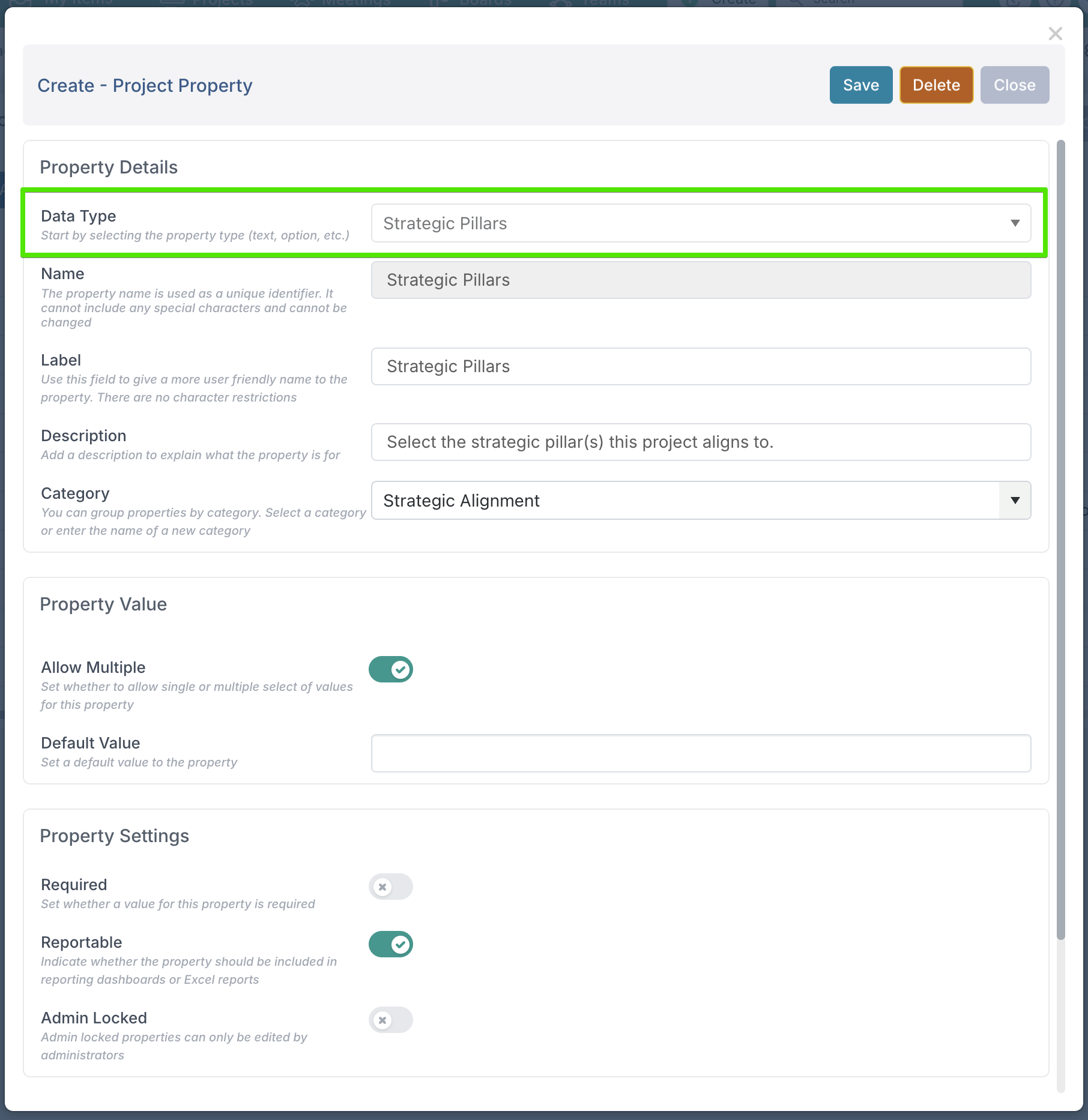
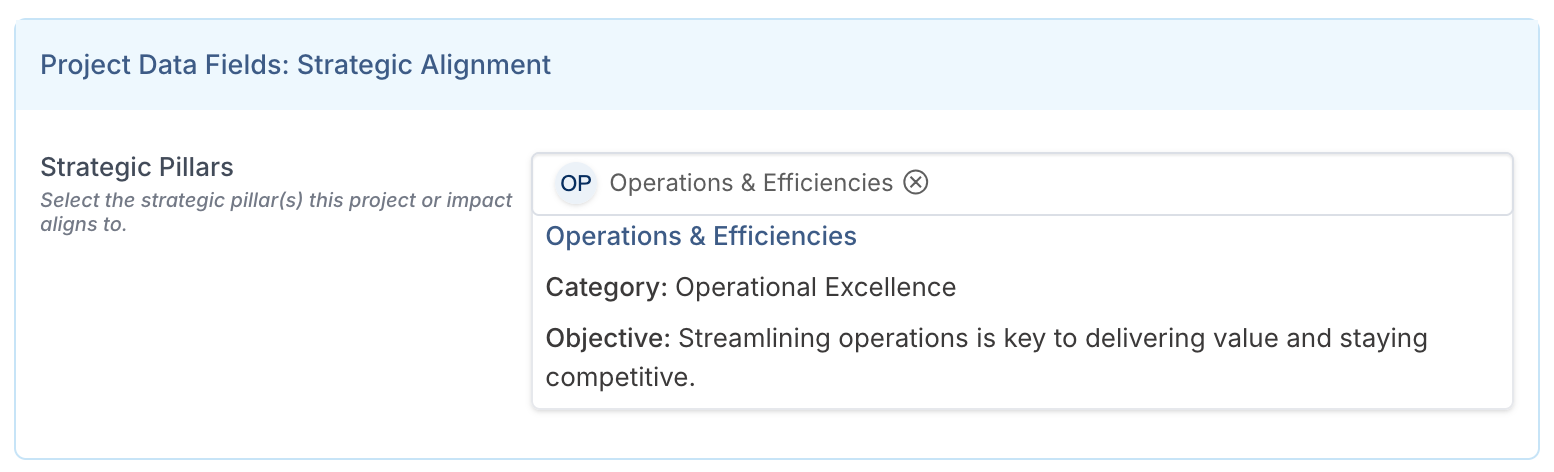
The custom property will now appear in the chosen workspace or entity form, and users can start selecting catalog values.
You can read more about custom properties here.
Was this article helpful?
Sorry about that! Care to tell us more?