
Configure the Strapline and Executive Summary on Status Reports
You can configure the summary fields used in status reports to better match your organisation’s reporting style and terminology. These settings let administrators control whether the Executive Summary field is available, rename both the Strapline and Executive Summary fields, adjust the help text shown to users, and set the maximum length allowed for the strapline.
This is useful when you want status reports to reflect internal language, provide clearer guidance to project managers, or standardise reporting across teams and divisions.
Control whether the Executive Summary field is shown
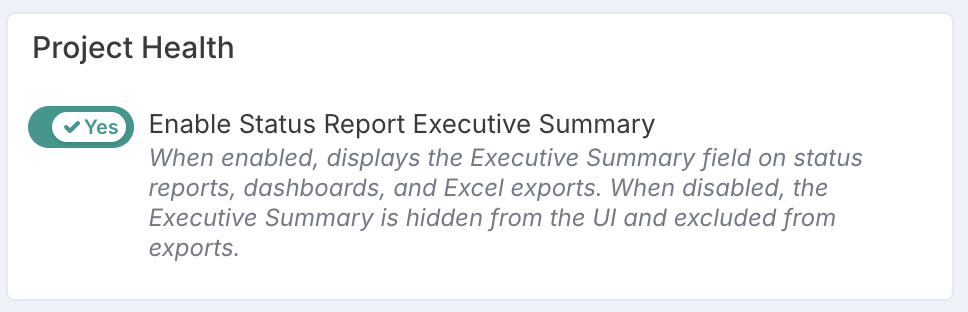
The Enable Status Report Executive Summary feature flag controls whether the Executive Summary field is available in status reports. This feature is located in the Project Health group on the Setup Project Features page and can be change by Project Administrators.
Setting | Behaviour |
On | The Executive Summary field is displayed on the status report edit form, view screens, PM and programme dashboards, and is included in Excel exports. |
Off | The Executive Summary field is completely hidden from the UI and excluded from Excel exports. The Excel loader ignores the column if present. |
Rename the Strapline and Executive Summary fields
Project Administrators can also rename the Strapline and Executive Summary field labels to match organisational terminology. These settings are managed from the Project Labels & Field Names page.
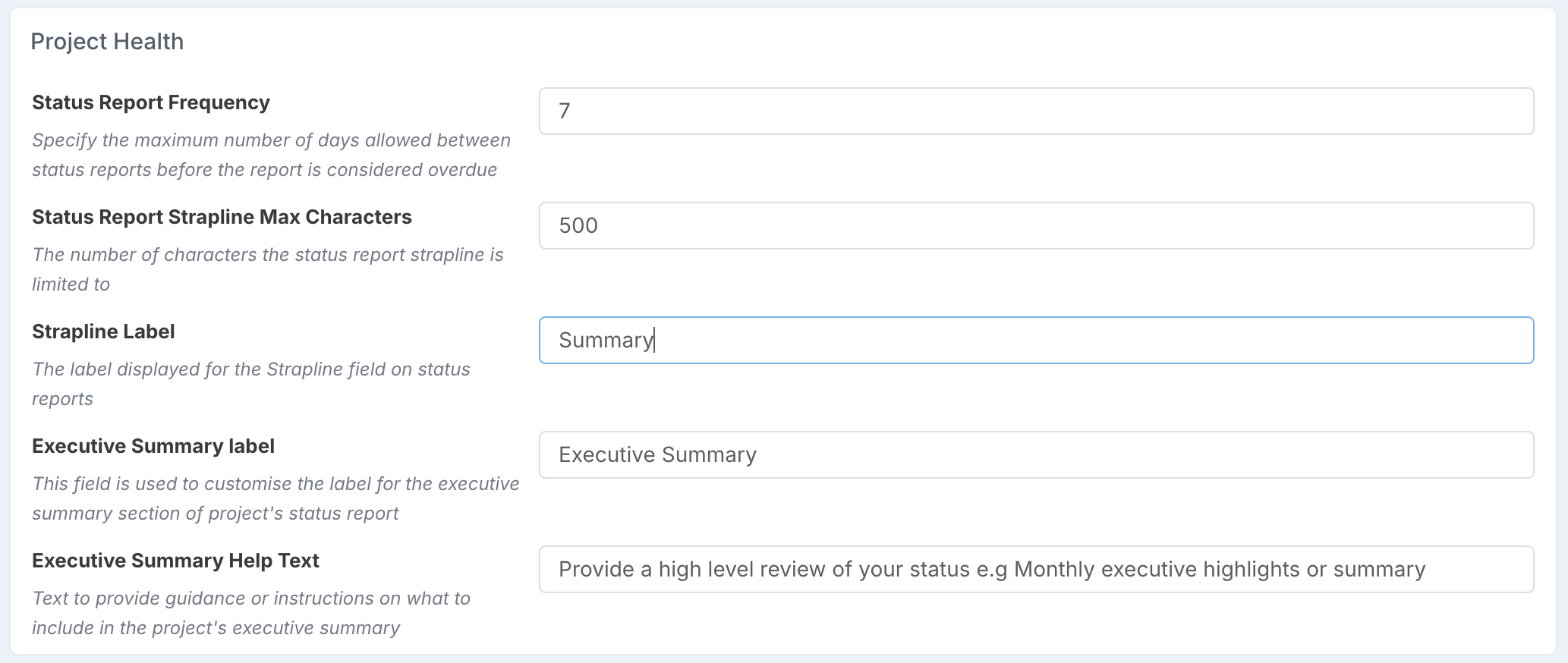
The available settings are:
Setting | Default Value | Description |
|---|---|---|
Status Report Strapline Max Characters | 200 | The maximum number of characters allowed in the strapline text field. |
Strapline Label | Strapline | The display label used for the strapline field on status reports. For example, change to "Headline" or "Summary". |
Executive Summary Label | Executive Summary | The display label used for the executive summary field across status reports, dashboards, and exports. |
Executive Summary Help Text | Provide a high level review of your status e.g Monthly executive highlights or summary | The instructional text displayed beneath the executive summary field on the edit form. |
After changing a label, click Save. The new label takes effect immediately across all status report views, dashboards, and exports.
Related status reporting settings
Several other feature flags may also affect how status reporting works in your environment.
Feature Flag | Default | Purpose |
Enable Status Report Executive Summary | On | Shows or hides the Executive Summary field across all views and exports. |
Strict Status Reporting | Off | Makes key status report fields mandatory and restricts project managers to updating reports dated today or in the future. |
Allow Draft Status Reports | On | Allows users to save status reports as drafts before publishing them. |
Send Status Report Actions RAG Owners | On | Sends actions for component return-to-green owners on status report submission. |
Enforce Risks & Issues On Status Report | On | Requires risks and issues to be included on status reports. |