
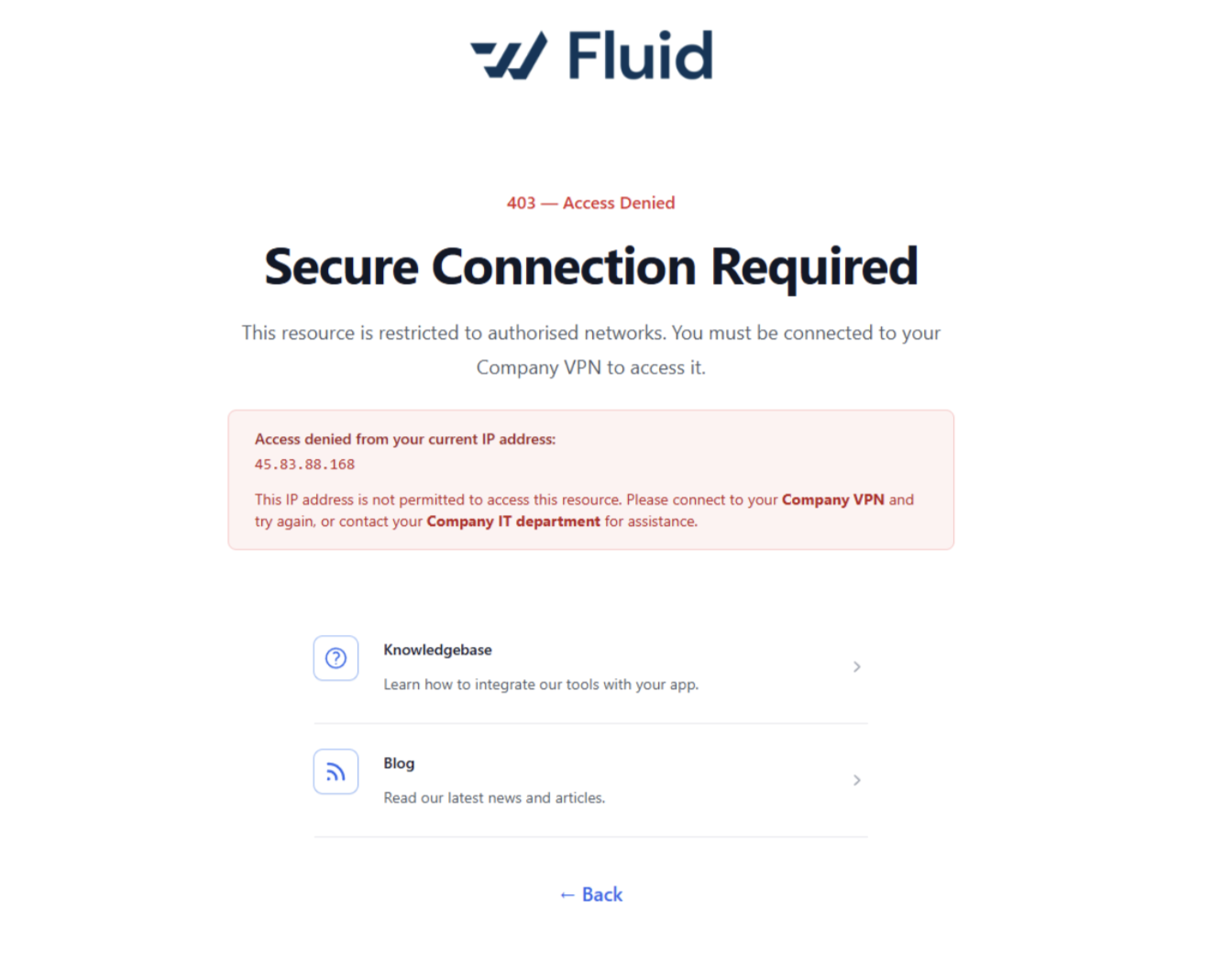
Why am I getting a "403 - Access Denied" message?
Question:
Why am I seeing a "404 - Access Denied" message when I try to access Fluid?
Answer:
Your access because you're not connected to an authorised network. The platform requires a Company VPN connection to access this resource.
Why am I seeing it?
Your current IP address isn't on the list of permitted addresses. This usually happens when you're working from home, a public network, or any location outside the corporate network without VPN active.
How do resolve it?
Connect to your Company VPN and then try accessing Fluid again. If you don't have VPN access set up, contact your IT department.
I'm already on VPN why is it still showing?
Try disconnecting and reconnecting your VPN, then refresh the page. If the issue persists, check with IT that your VPN profile is correctly configured and that Fluid's URL is routed through it.
Who do I contact if I can't resolve it?
Reach out to your Company IT department - they can check your VPN access and whitelist your connection if needed.