
How can I make an existing board task a sub-task of another board task?
Question:
How can I make an existing board task a sub-task of another board task?

Answer:
You can drag the child task into the parent task group on a board.
Here's how:
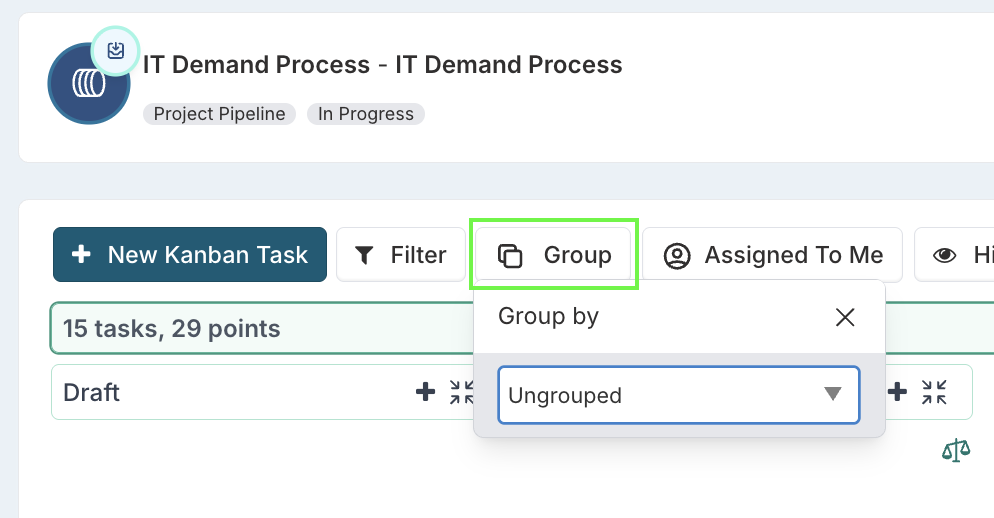
Go to the board and click the Group button.
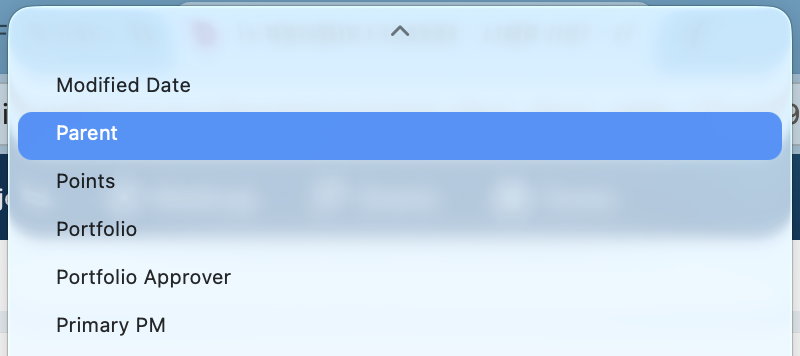
From the drop down list, select to Group by 'Parent'.
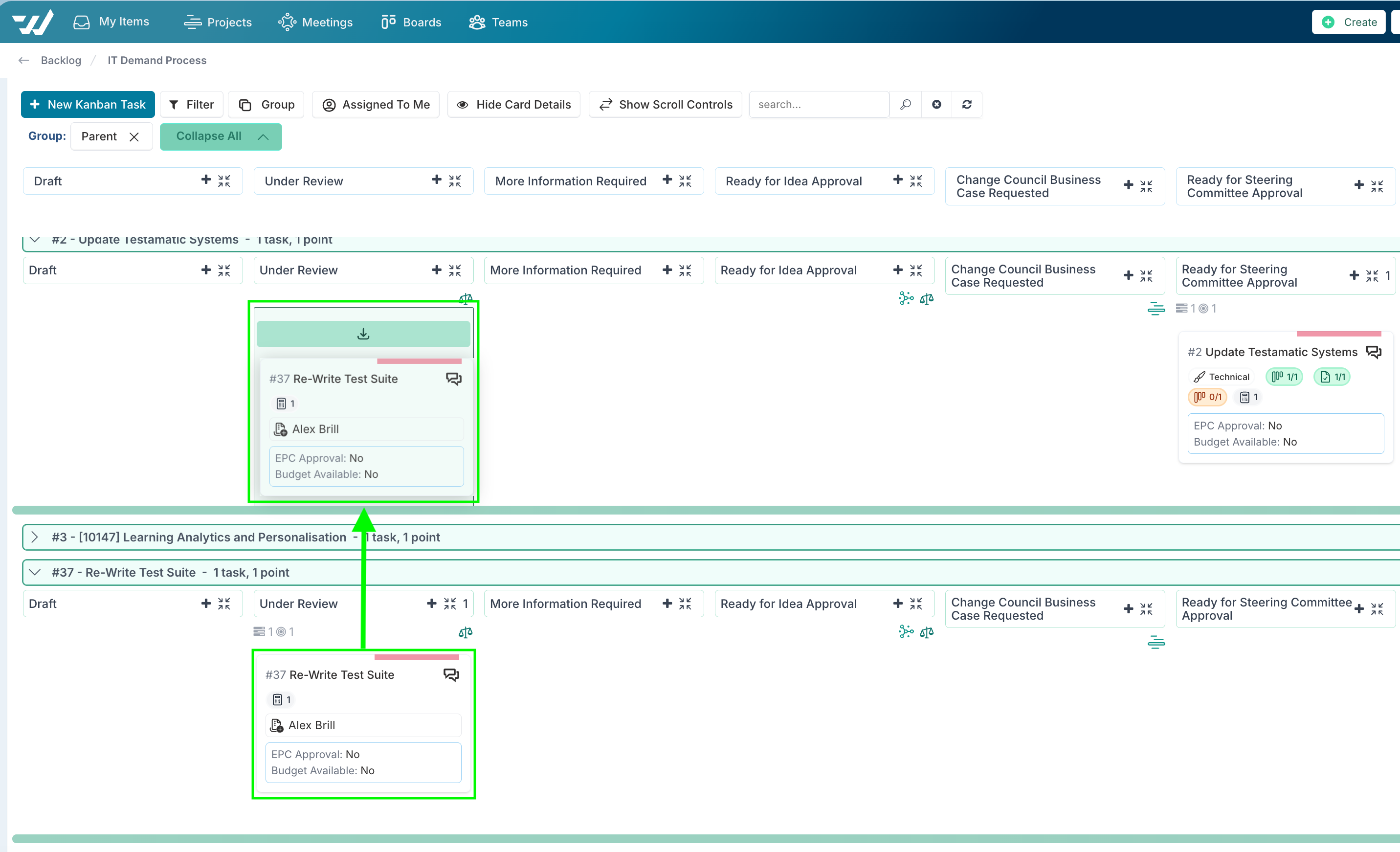
Expand the group fro the board task that will be the parent and the group that will be the child / sub task.
Drag the task that will become the sub task into the parent task group, into the relevant column; the column sets the status of the task and does not have to be the same column as the parent task.
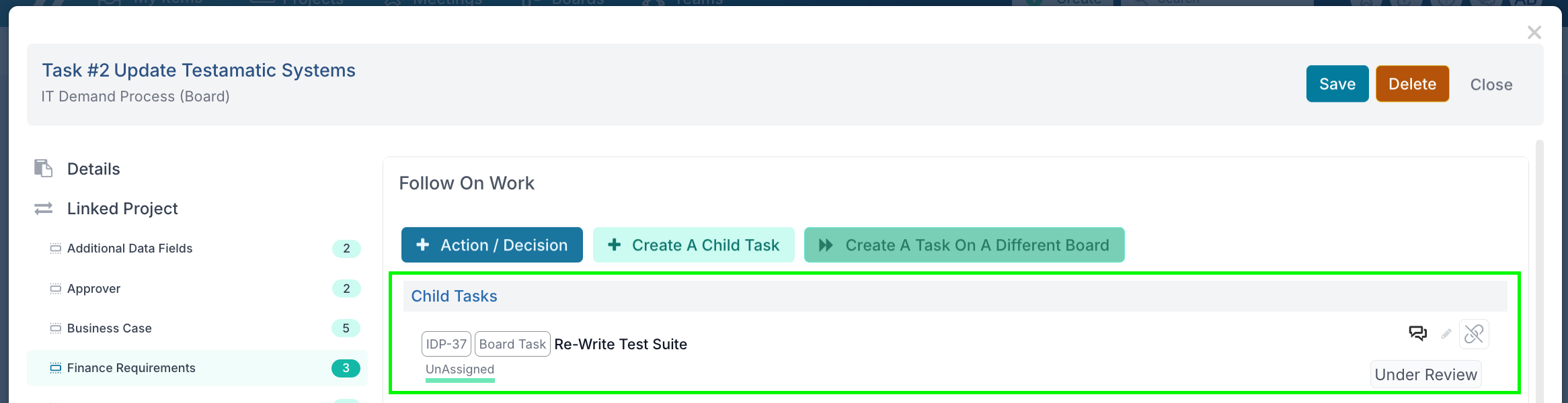
Open the Parent task dialogue, and scroll down to the Follow On Work; section; you will see the task that you moved into the group is now listed as a Child Task.
Note: You can only do this within the scope of a single board; currently, you cannot add a task from one board as a child of a task on another board retrospectively.