Q: How often does the Governance refresh; is there a daily job?
A: Yes. The governance assessments refresh daily. However, you can use the manual refresh to force these to regenerate if needed.
Project Governance
Project governance is a framework of structures, processes and decision-making authority that ensures projects are delivered successfully and align with organisational strategy. It defines who has the authority to make key decisions, how project performance is monitored and controlled and the escalation paths for issues that exceed the project manager's authority.
Fluid provides functionality that allows PMOs to define their own governance models and quality checks. Your projects are assessed against this criteria to alert PMs where the project requires prompt action to address the identified shortcomings to maintain its positive trajectory or where there are bigger challenges or overdue actions, take immediate action to bring the project back to good health.
Why Might You Need to Run a Refresh?
These checks are run as daily job in Fluid, however project managers and those with project admin rights have the option to run these on an ad-hoc basis. You may want to do this if you have updated a project where you would like to see these reflected immediately in the governance assessment. For example, if you need to run a Governance Summary report to present to stakeholders and need this to include any updates made today.
Refresh the Governance Assessment in a Project Workspace
Tools > Refresh Governance Assessment from the workspace:
This option updates the governance assessment for just the project you are in. When you click it you will see a little circular icon to show that it is processing as this takes a little bit of time. When it's finished that disappears and goes back the the initial icon.
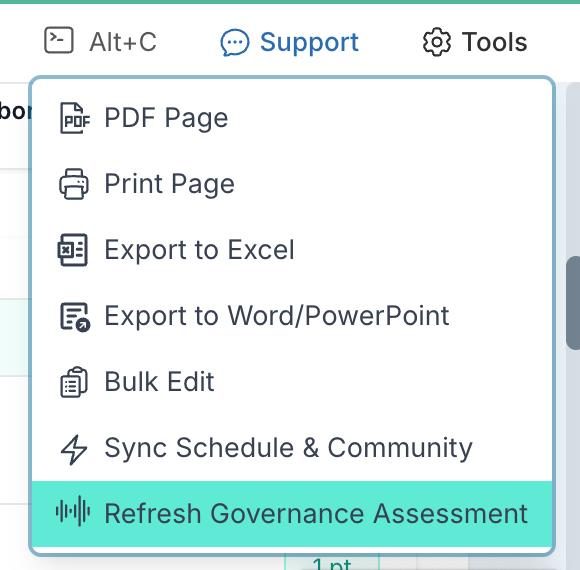
When you click this, you will see the current icon switches to a circular, moving 'in progress' icon. It can take a few moments for this to update and reflect your changes in the workspace so please give it some time. When it is finished, the icon will return to the initial icon seen in the image above.
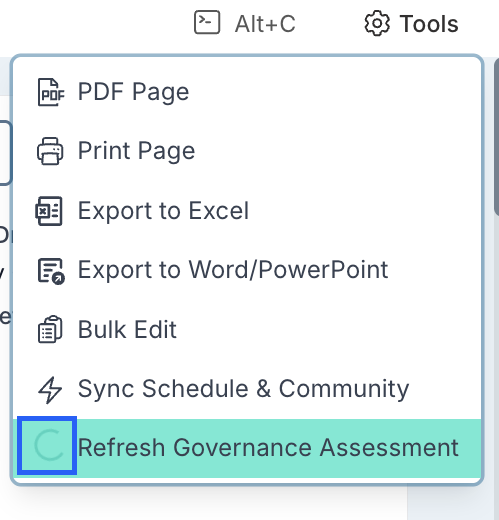
Note: You must be a project manager or a user will full edit rights on the project to be able to trigger the assessment job from a project.
Refresh the Governance Assessment Across All Models in Fluid
To force a refresh of governance assessments across all models in Fluid, navigate to: Administration Console > Governance Assessments and clicking the 'Evaluate All Models' button.
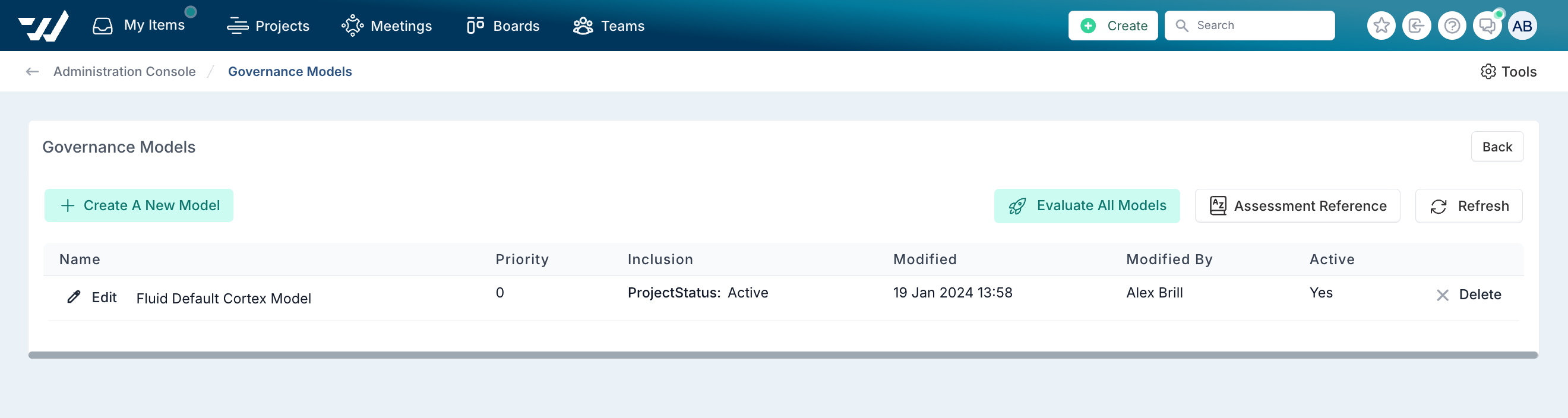
You will receive a message that says that "Assessment job has been started, please wait 5 mins for new results.".
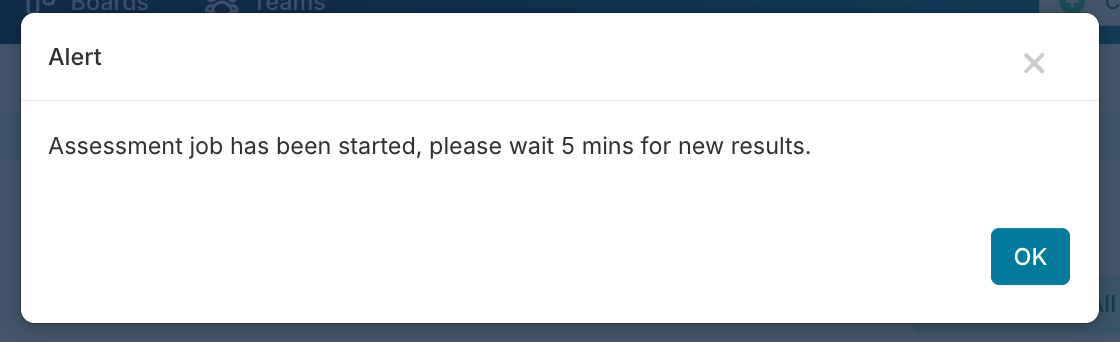
You don't need to do this manually as it will run daily, but the option is available in Fluid for adhoc cases where you want to do this sooner.
Note: Only project administrators can evaluate all models.