In this article, we will cover the steps on how to forward a meeting created in Outlook, to Fluid.
Paso 1. Crear una reunión en Outlook
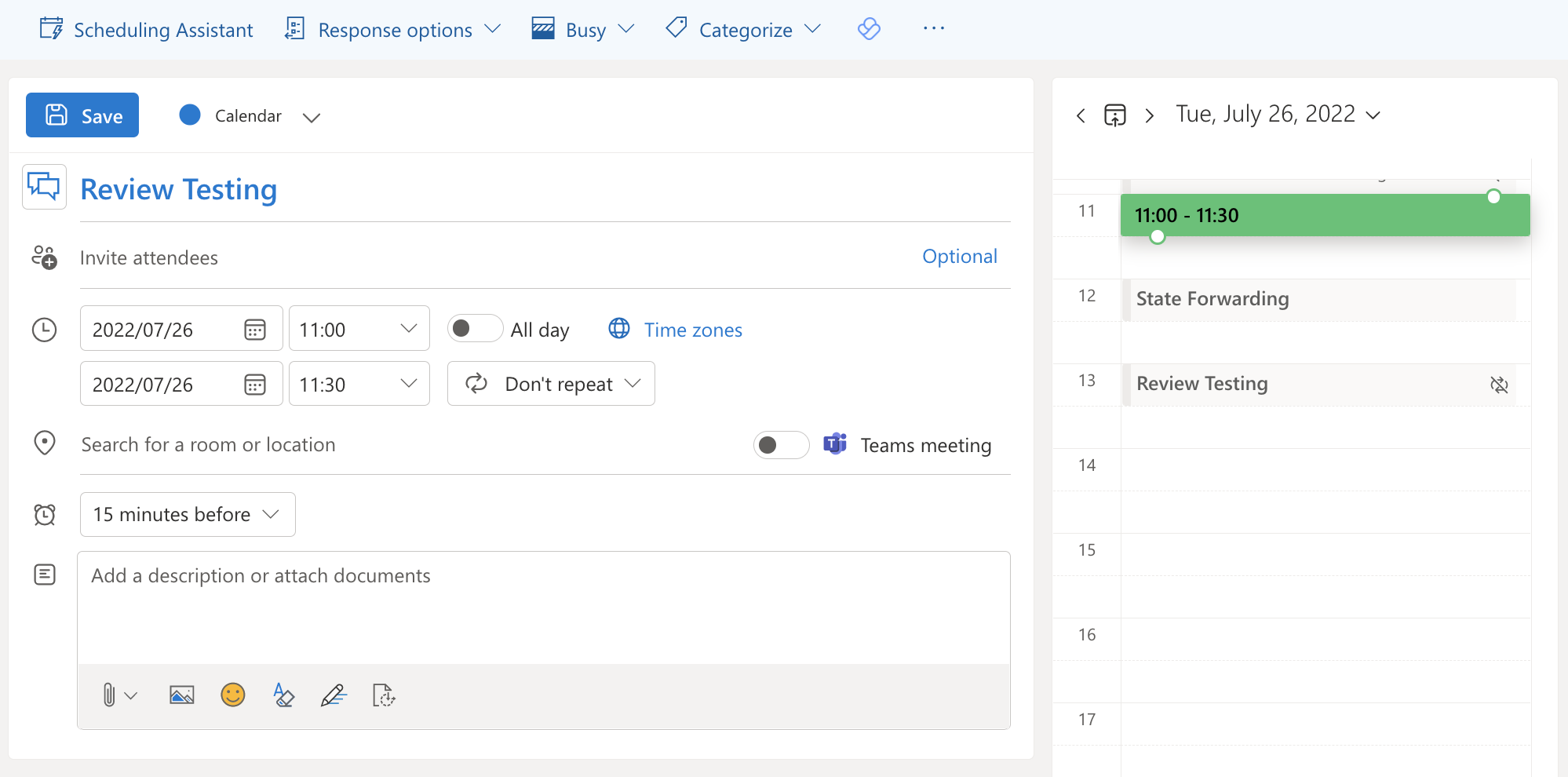
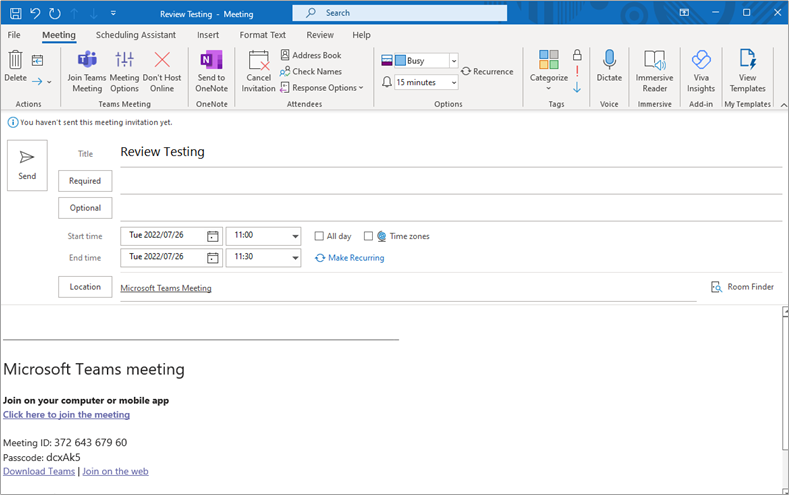
Create a new meeting in your Outlook calendar. Add the required attendees, date and time of the meeting.
NOTA: Existen ligeras diferencias entre la funcionalidad de la aplicación web de Outlook y la aplicación de escritorio de Outlook. Tenga en cuenta la versión que corresponde a su calendario.
Aplicación web
Aplicación de escritorio
Paso 2. Copiar el enlace de la reunión desde la página de inicio de Fluid
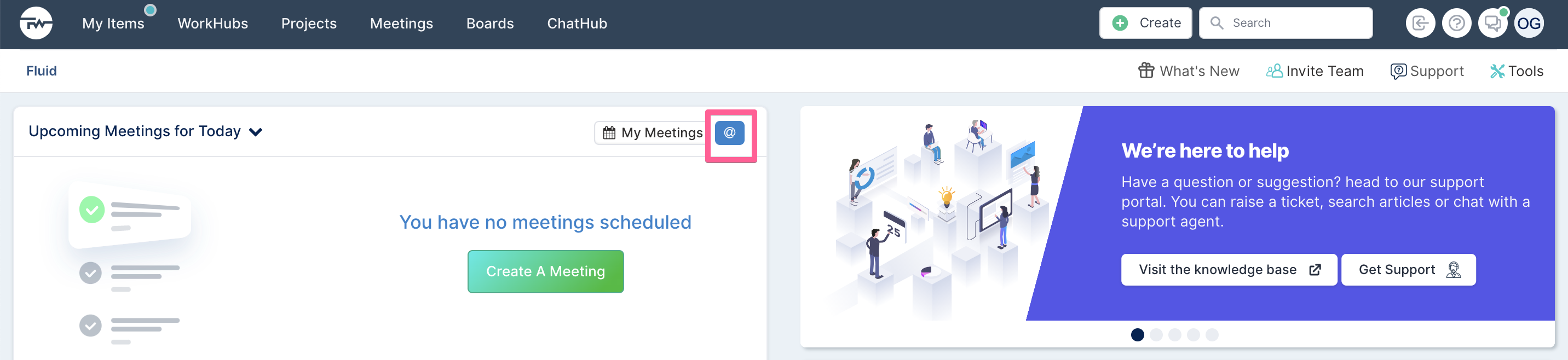
Navigate to the Fluid home page by selecting the Fluid logo in the top left-hand corner of the screen. Copy the meeting link by clicking on the @ icon in the Upcoming Meetings section.
A dialogue will appear. Select Copy Link and click Close. This meeting address link has been added to your clipboard and will be added as a recipient/attendee to the meeting invite in Outlook.
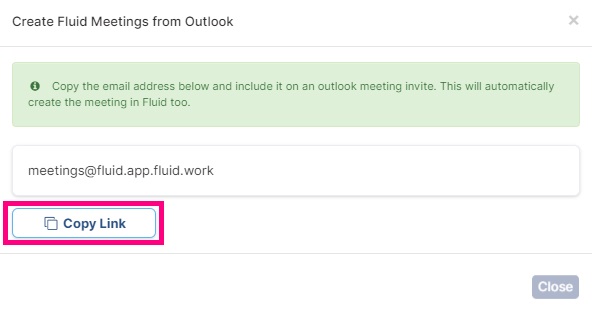
For more detailed steps on 'how to create a meeting in Fluid from your Outlook calendar', Click here.
Paso 3. Reenviar la reunión a Fluid
NOTE: To forward a meeting to Fluid and to create a meeting in Fluid, you have to be the creator/owner of the meeting in Outlook.
Tanto en la versión de la aplicación web como en la aplicación de escritorio de Outlook, puede reenviar la reunión de dos maneras:
Abra la invitación de la reunión y haga clic en Reenviar reunión.
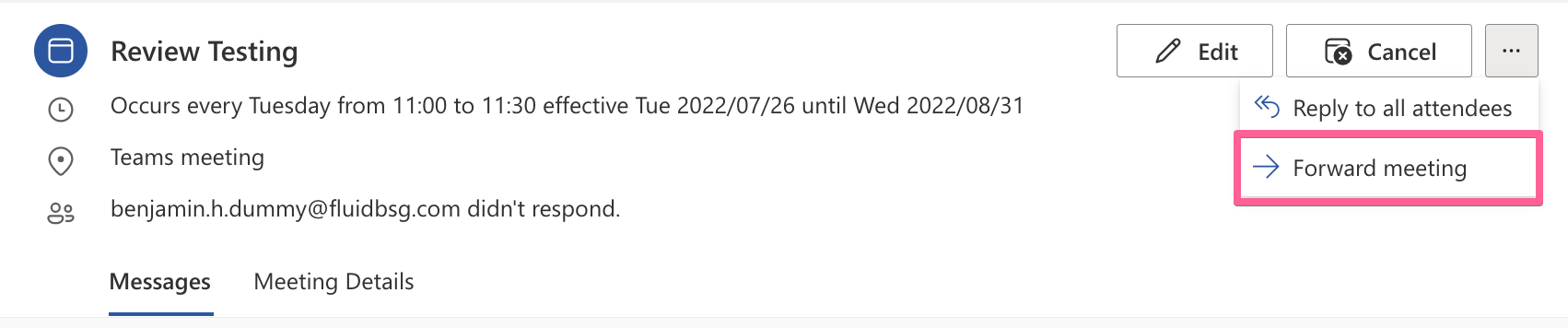
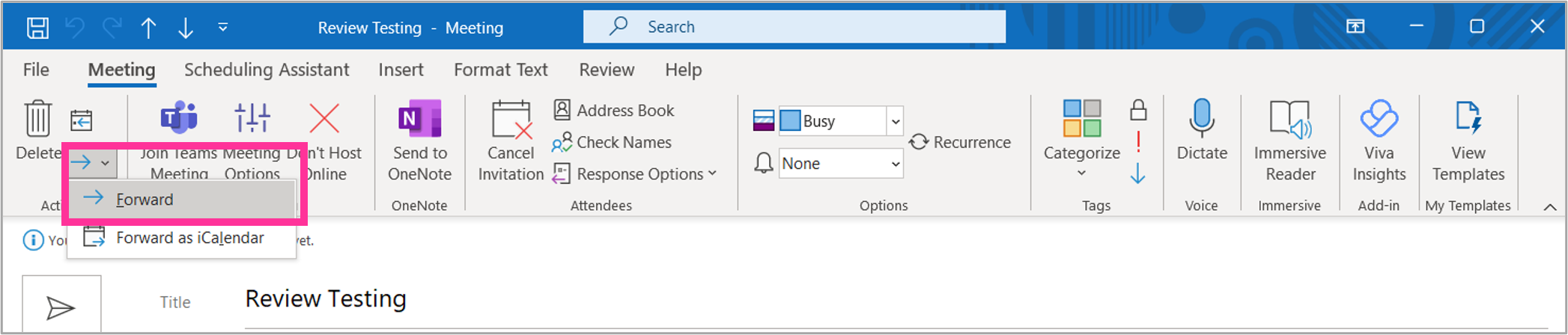
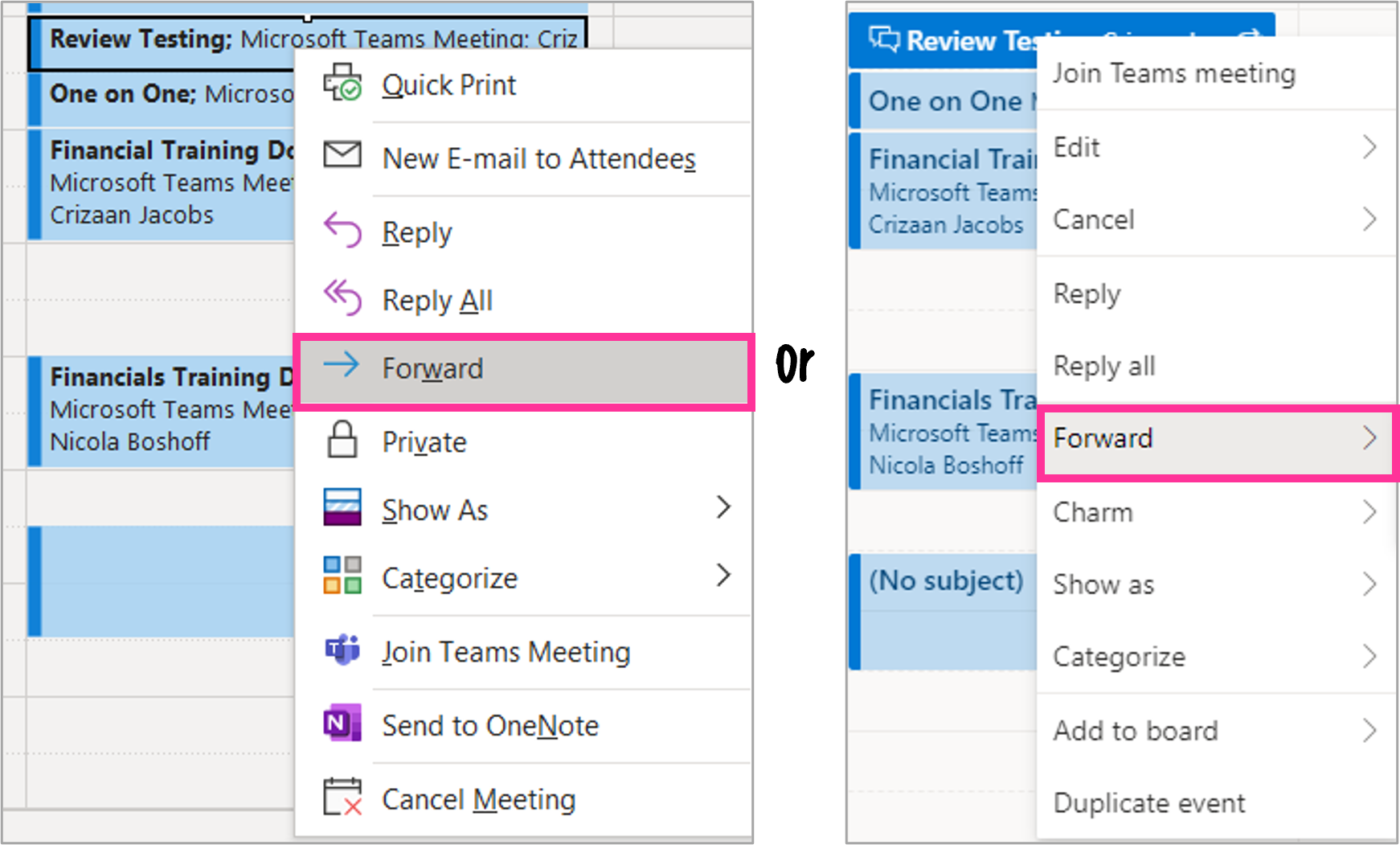
Alternativamente, puede hacer clic derecho en la reunión de su calendario de Outlook y seleccionar Reenviar.
Step 4. Paste the meeting address link
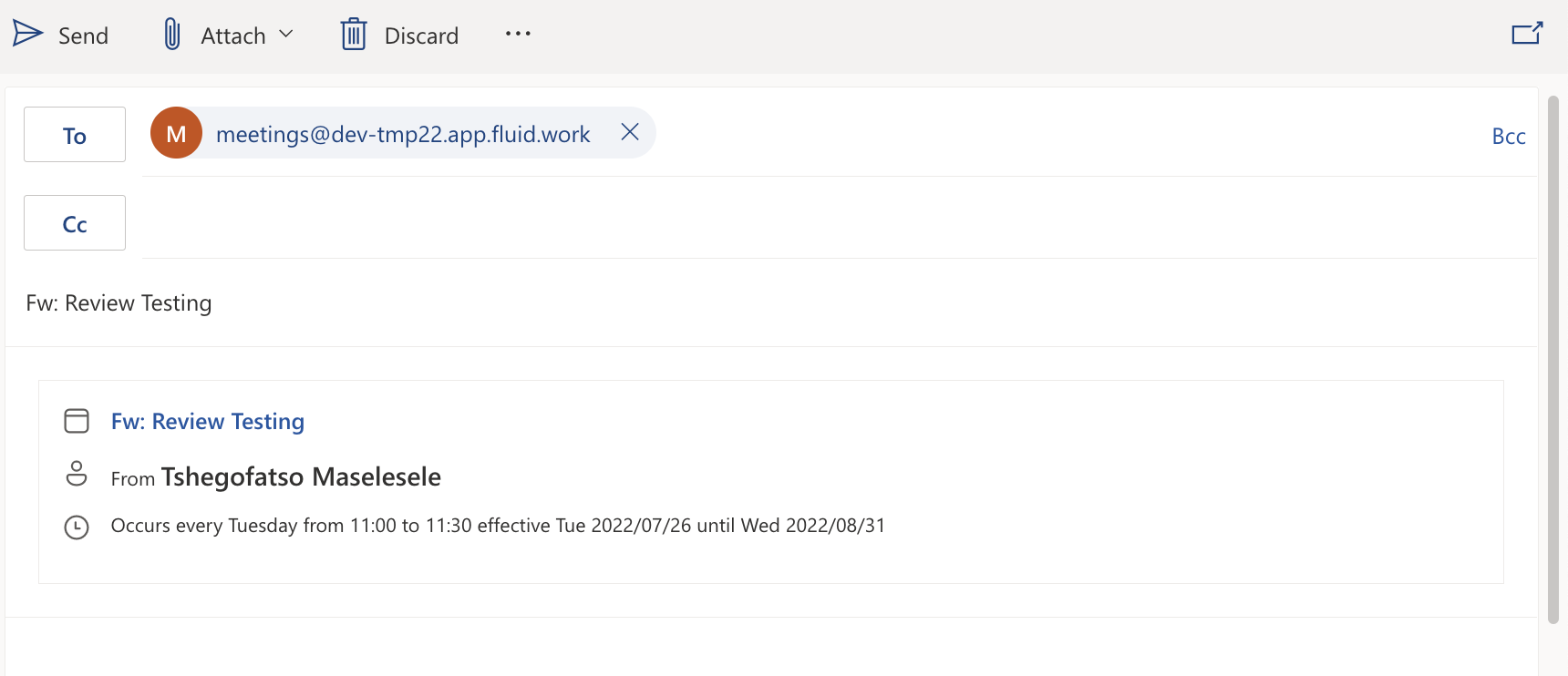
In the meeting invite, paste the meeting email link in the recipient field that was copied during "Step 2" of this article, and click Send to forward the email.
Paso 5. Ver su reunión reenviada en Fluid
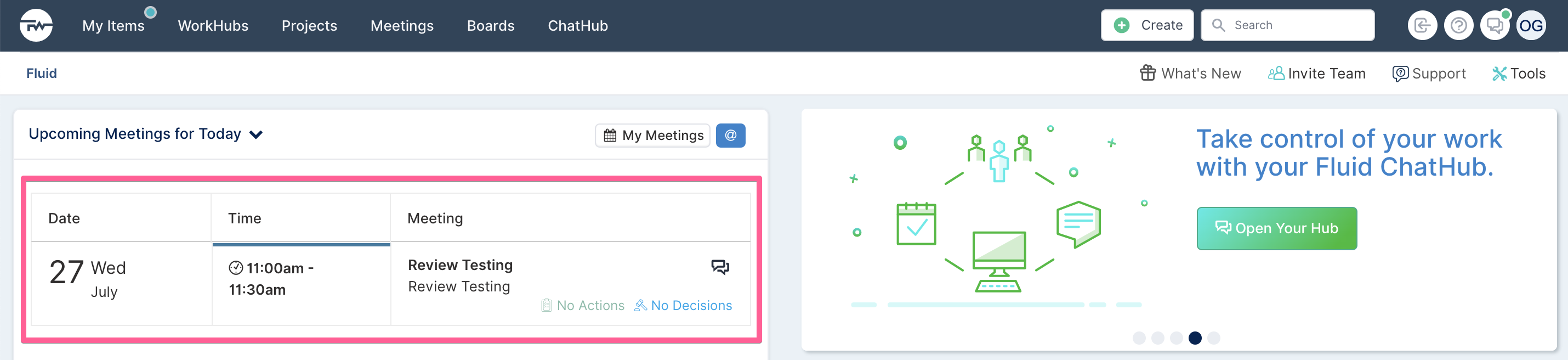
Once the invite has been sent, the meeting will be forwarded to, and created in Fluid. You can view the meeting in the Upcoming Meetings for Today section on the Fluid home page.