User roles: ✔ Application Administrator ✔ Data Administrator
In this article, we will explain how to edit meta-data on your Fluid instance so that it is customised to your business environment.
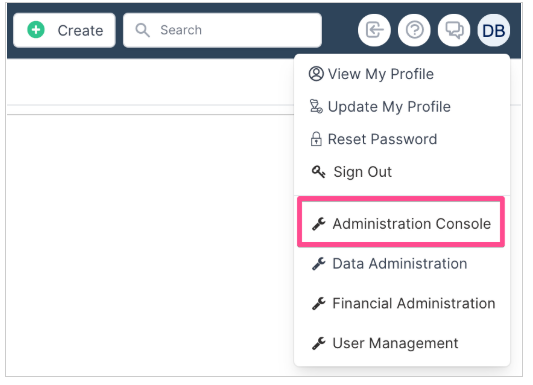
To access Metadata Management navigate to the Administration Console from the drop-down menu under your Avatar.
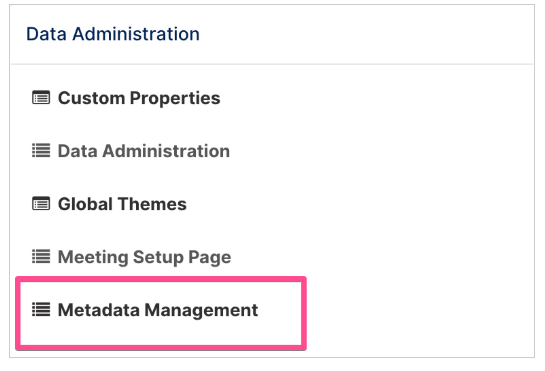
Select Metadata Management under Data Administration Settings.
Metadata Types
Below are listed the types of metadata available with a description of what they are.
Fluid Role | Required for | Description |
 | Timesheeting | When configuring the TYPES of projects that will be executing, you are able to configure the activities that time can be booked against for each project TYPE. |
 | Project Financials | Define the types of Benefits you will be capturing against projects (e.g. Cost reduction, Revenue Gain, etc). |
 | General | Here you can define a taxonomy for the documents that you will be uploading to Fluid. |
 | Project Resourcing | Define the specific type of employee a resource is to the organisation when a user account registered in Fluid (e.g. Full Time Employee, Contractor, Consultant, etc) |
 | Projects | Define subtypes for the risks and issues you will be capturing against projects. Very useful for root cause analysis on the risks and issues impacting on your portfolio or projects. |
 | Project Financials | Define the different Lines of Business (LOB) in the organisation against which project costs can be allocated. |
 | Projects | The change methodologies projects will execute against in the organisation (e.g. waterfall, agile, etc) |
 | Project Financials | Define the types of Ongoing Costs you will be capturing against projects. |
 | Project Resourcing | Define the primary roles that people fulfil in the organisation (e.g. Project Manager, Business Analyst, etc). These are set when registering a user account in Fluid. |
 | Project Resourcing | These are the types of roles that can be assigned to resources when they are allocated to projects. |
 | Projects | The types of statuses that a project will move through in it's lifecycle. (e.g. Pipeline, Active, Complete or On-hold). The Project Status is set under a project's settings. 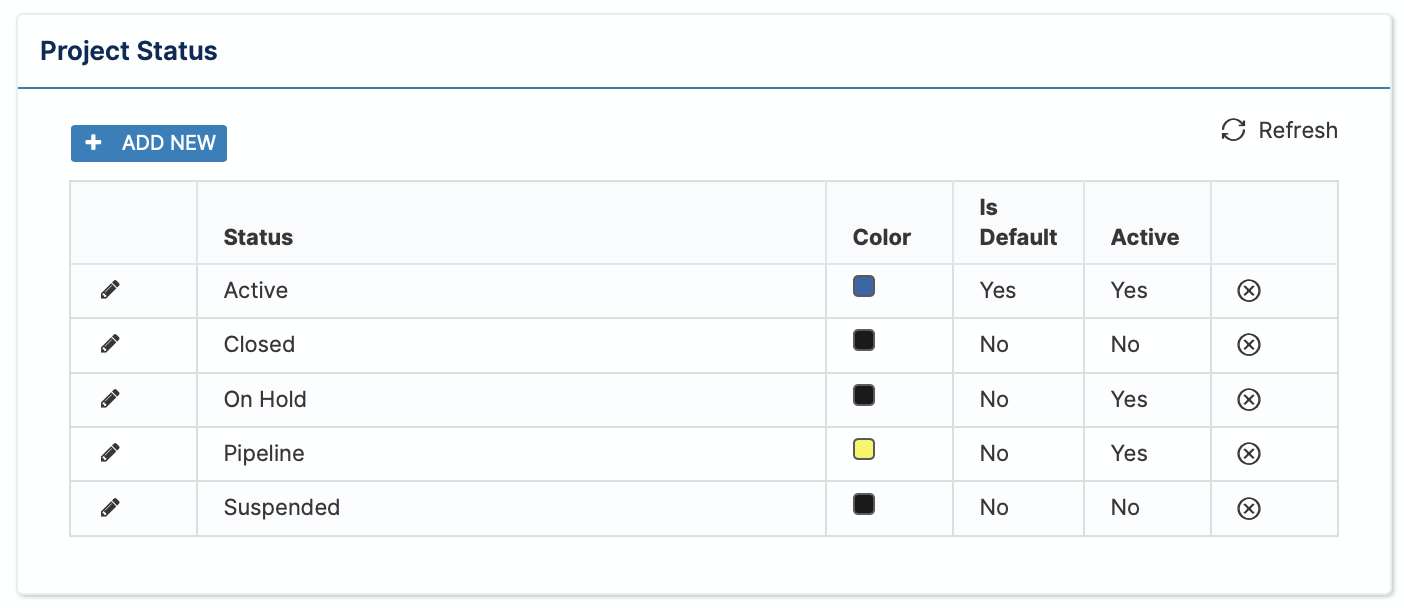 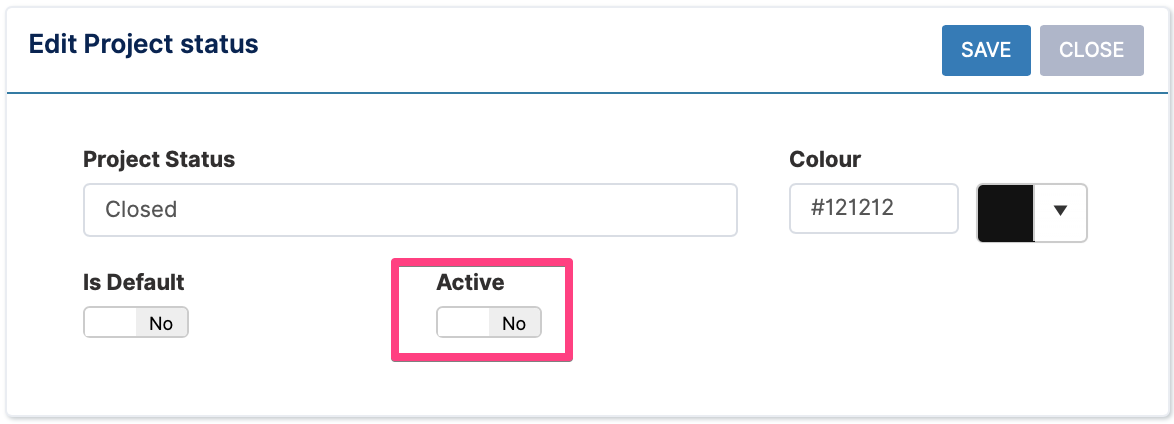 |
 | Project Resourcing | The regions that can be set for resources when registering a user account in Fluid. |
 | Projects | The types that can be specified when defining 'relationship' impacts on projects. |
 | Projects | It is not mandatory to use component RAG reporting, but they can be a powerful tool for more granular root cause analysis on the portfolio health (e.g. costs, benefits, schedule, resourcing, etc). |
 | Projects | The RAG statuses to be reported on for projects in the portfolio. |
 | Boards | The ‘types’ of tasks on Kanban/Sprint boards. |
 | Project Financials | Allows you to set further categorisation to project Benefits and Ongoing Costs |
Bulk Editing Metadata using Excel
All metadata can also be updated/edited using excel.
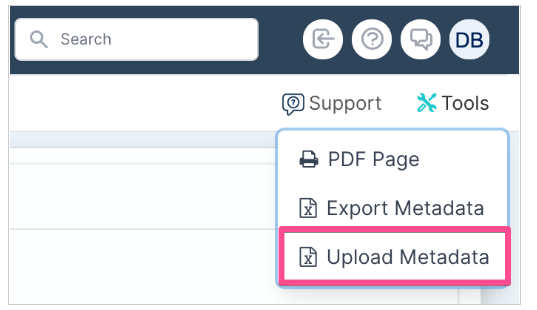
From the Metadata Management page select Tools > Export Metadata
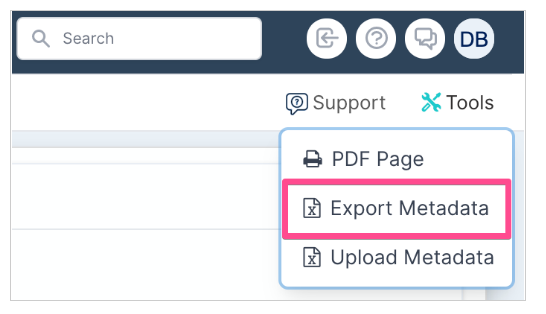
Download the Excel file and make your required changes. Then navigate to Tools > Upload Metadata to upload your changes.